Best Productivity Apps for Creators 2025
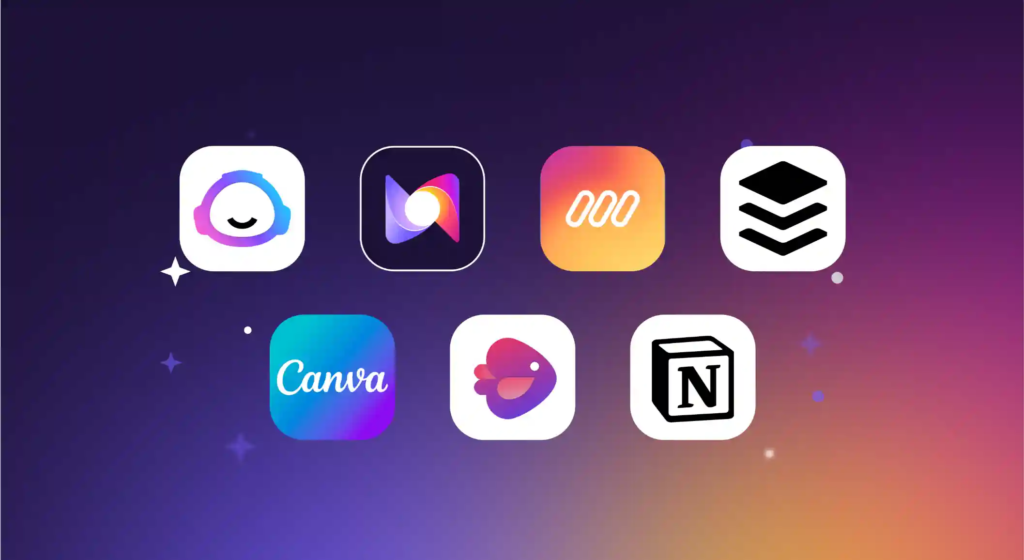
Discover the top productivity apps for creators 2025 — from AI assistants and task managers to creative tools and automation suites. This comprehensive guide covers features, pros/cons, and how to choose the right ones.
As creators (bloggers, YouTubers, designers, digital marketers, artists, podcasters, etc.), managing your time, ideas, and workflows is just as important as your creative talent. In 2025, the expectations are higher: faster content cycles, more multimedia formats, and smarter tools powered by AI. That’s why choosing the right productivity apps for creators 2025 can make or break your ability to produce consistently at scale.
In this long-form guide, we’ll explore categories of tools creators need, profile standout apps (and what makes them special in 2025), best practices for integrating them, and how to select tools tailored to your style and workflow. Let’s dive into what “productivity apps for creators 2025” really looks like in practice.
Table of Contents
- Why “productivity apps for creators 2025” matter
- Categories of productivity tools every creator needs
- Top productivity apps for creators 2025 (with pros & cons)
- AI-powered assistants & writing helpers
- Task, project & workflow management
- Creative content & multimedia tools
- Automation, integration & connective tools
- Focus, distraction control & wellness tools
- Utility tools (notes, files, references)
- Best practices & workflow tips for creators
- How to pick the right productivity apps for you
- Common pitfalls to avoid
- Measuring productivity success
- Future trends in productivity tools for creators
- Summary & action checklist
- FAQs
1. Why “productivity apps for creators 2025” matter
In 2025, creator economy is more competitive than ever. Audiences expect frequent, high-quality content across platforms (blogs, video, podcasts, social). To keep up, creators need more than creativity—they need systems.
When we refer to productivity apps for creators 2025, we mean tools that:
- Help you generate ideas, draft, refine and repurpose content more efficiently
- Organize tasks, collaborators, and timelines
- Automate repetitive steps (publishing, formatting, content repurposing)
- Integrate your creation, editing, and publishing environment
- Help you stay in flow — minimizing context switching, distractions, and cognitive load
As of 2025, productivity tools increasingly embed AI, deeper integrations, smart automation, and collaboration features. For example, apps like Notion are embedding AI and smarter workflows. autonomous+1
2. Categories of Productivity Tools Every Creator Needs
Before we list apps, it helps to break productivity into functional categories. A truly productive stack is heterogeneous — each tool plays a role. Here are the major categories:
| Function | What You Want | Notes |
|---|---|---|
| AI Assistants / Writing Helpers | Help draft, rephrase, summarise, brainstorm | Reduces writer’s block and speeds drafts |
| Task / Project Management | Track content calendars, deadlines, team tasks | Critical for consistency and accountability |
| Creative / Multimedia Tools | Editing images, video, audio, design | Must integrate with your content pipeline |
| Automation / Integration | Move data between tools, trigger workflows | Bridges gaps and reduces manual work |
| Focus & Wellness | Timers, distraction blockers, break reminders | Protect your creative energy and rhythm |
| Utilities / Reference & Notes | Idea capturing, research, file organization | Central places for all your raw material |
A balanced creator’s stack will typically include (at least) one tool from each of these categories.
3. Top Productivity Apps for Creators 2025

Below are notable productivity apps — some established, some newer — that are particularly effective for creators in 2025. For each, I explain what they shine at, and potential limitations.
3.1 AI-Powered Assistants & Writing Helpers
These tools leverage generative AI or smart algorithms to assist with text generation, summarisation, idea expansion, rewriting, etc.
- Notion AI — Notion’s built-in AI helps summarize notes, rewrite text, generate outlines, and assist with content workflows. It extends the core workspace into a smarter assistant. autonomous
- Pros: Seamless in your notes/tasks environment; you don’t leave your workspace
- Cons: AI features may require paid tier; sometimes needs manual correction
- ChatGPT or GPT-based integrations — Many creators embed ChatGPT (or open-source LLMs) into their daily workflows (prompts, drafting, ideation). Using layer integrations like LLM-for-X lets you call AI functions in any app interface. arXiv
- Pros: Highly flexible; works across apps
- Cons: Context switching, prompt tuning required
- AdaptAI (experimental / research tool) — A new hybrid AI tool proposed in 2025 aims to monitor a creator’s stress, workload, and context to deliver personalized suggestions, micro-breaks, and automations. arXiv
- Pros: Forward-looking smart assistance
- Cons: Still research; not widely available
3.2 Task, Project & Workflow Management
Organizing your creative pipeline—ideation → draft → edit → publish — demands strong task tools.
- ClickUp (with AI) — A robust project management tool used by many creators and teams. In 2025, its AI add-ons (autogenerate tasks, smart suggestions) make it better suited for creative workflows. autonomous
- Pros: Highly flexible, many views, deep feature set
- Cons: Learning curve; too many features can overwhelm
- Reclaim.ai — A smart scheduling assistant that allocates time for your tasks amidst calendar conflicts. Great for creators juggling content deadlines and meetings. autonomous
- Pros: Automates scheduling, respects your priorities
- Cons: Works best when you commit to calendar scheduling
- TickTick — A favorite among productivity reviewers for task management, habit tracking, reminders, and lists. It blends simple UI with powerful features. Android Authority
- Pros: Lightweight, fast, multi-platform
- Cons: Not ideal for complex team projects
3.3 Creative Content & Multimedia Tools
Creators live in media — video, image, audio. Productivity here is about speed and integration.
- Canva (and Visual Suite 2.0) — Canva is expanding its capabilities (spreadsheets, AI tools, coding features) to be more of a full creative productivity hub. Lifewire
- Pros: User-friendly, huge asset library, team collaboration
- Cons: For advanced design, may hit limits
- Edits (Instagram’s video editor) — A mobile video editing app launched in 2025 by Meta, intended to rival CapCut with AI animations, effects, and project management extensions. Wikipedia
- Pros: Built for creators using Instagram/short video formats
- Cons: Newer app, features are evolving
- Raycast — A productivity utility that speeds up access to commands, snippets, scripts, file search, and more. While not a content editor, it helps creators command tools quickly. Wikipedia
- Pros: Great for improving efficiency by reducing interface friction
- Cons: Mainly Mac centric (Windows port is beta)
3.4 Automation, Integration & Connective Tools
These tools glue your creative stack together by moving content, triggering flows, and reducing manual handoffs.
- Zapier / Make / Automate.io — Classic automation platforms let you connect apps — e.g., when a video is published, auto-post to social, or when a blog is published, notify newsletter. Zapier remains a top pick. Zapier
- Pros: Vast integrations; powerful trigger-action logic
- Cons: Can hit usage limits; complexity grows
- LLM-for-X integration layer — This approach lets you embed language model features (summaries, rewriting) as shortcuts across your apps. arXiv
- Pros: Reduces context switching
- Cons: Requires some setup and integration
3.5 Focus, Distraction Control & Wellness Tools
Sustained creativity demands mental bandwidth. These apps help you protect it.
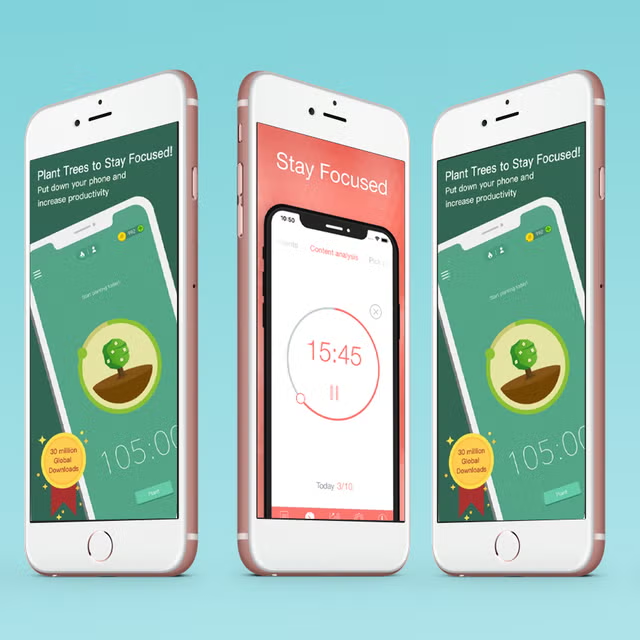
- Forest / FocusTime / Pomodoro timers — Use focused timer techniques (e.g. 25/5 work/break cycles) to maintain flow.
- Notification & distraction blockers — Apps that block social media, mute notifications, or allow only essential alerts.
- Wellness reminders & micro-breakers — Tools that remind you to rest eyes, stretch, or breathe (especially in long creative sessions). Some AI tools like AdaptAI aim to detect stress and intervene. arXiv
3.6 Utility Tools (Notes, References, Files)
These are your “second brain” and storage systems.
- Notion / Obsidian / Roam — For capturing ideas, linking knowledge, organizing research and workflows.
- Google Drive / Dropbox / OneDrive — For file storage and collaboration.
- Miro / Milanote — Visual boards for moodboards, storyboarding, planning.
- Clipboards, snippet managers — Tools to store frequently used text, links, media, scripts.
4. Best Practices & Workflow Tips for Creators
To get maximum benefit from productivity apps, follow these practices:
- Limit the number of core apps — Don’t go overboard. Choose one strong tool per category to reduce context switching.
- Define clear workflows — Map out your creation pipeline (idea → draft → edit → publish → repurpose) and assign tools to each step.
- Automate early — Even small automations (auto-export, social posting, file naming) save hours over time.
- Use templates & reusable assets — Reuse structures (video scripts, blog outlines) to speed future work.
- Batch tasks — Group similar tasks (e.g. filming, audio editing) to maintain flow and reduce tool toggling.
- Regular audits & pruning — Monthly check which tools/features you use vs unused; ditch or simplify.
- Backup & version control — Creators often lose hours to accidental deletion or versioned media — have backup systems.
- Track time & analyze bottlenecks — Use time tracking to see where you lose time (editing, switching tools, rework).
5. How to Pick the Right Productivity Apps for You
Not every app suits your style. Here’s how to choose:
- Match your content formats — If you’re video-first, prioritize video editors and media automation.
- Consider your team size — Solo creators vs teams need different collaboration features.
- Tech platform — Mac, Windows, iOS, Android, web? Some tools are platform-locked.
- Scalability & cost — Many free tiers exist, but check pricing as content volume grows.
- Learning curve & support — Tools with better documentation, tutorials, community help adoption.
- Integrations — Can it talk to your other tools (calendar, storage, publishing platforms)?
- Feature overlap — Avoid duplicating features across tools (e.g., two task tools).
Start with a minimal stack and expand only when needed — this avoids tool overload.
6. Common Pitfalls to Avoid
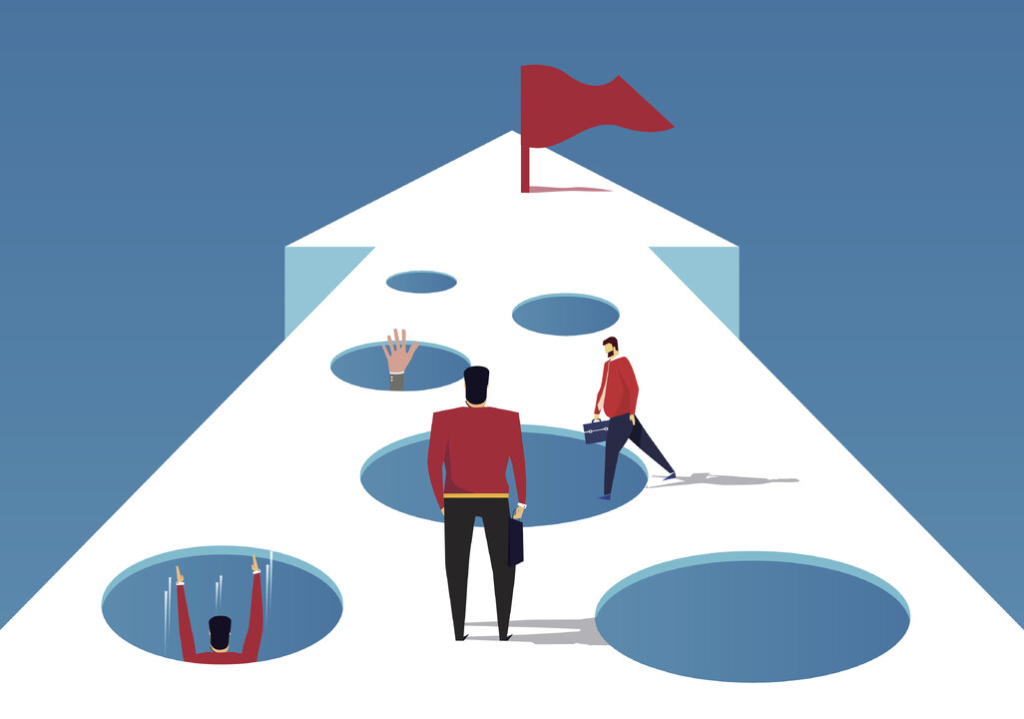
- Tool overload — Installing too many apps that overlap causes context switching.
- Neglecting backups & version control — Creative files are fragile, backups save grief.
- Over-automation without oversight — Automated posts or AI drafts can go wrong if unchecked.
- Ignoring mobile workflows — Many creators work partly on mobile — ensure tools function well on phones/tablets, too.
- Not reviewing your setup — Tools evolve; your stack should evolve in tandem.
7. Measuring Productivity Success
You need metrics, not just output. Here are useful KPIs:
- Output volume — pieces published per week or month
- Cycle time — average time from idea to publish
- Rework / iteration time — how often content needs significant revisions
- Idle / downtime — time spent waiting, switching, reorganizing
- Tool utilization — percentage of tool features you actually use
- Creative quality & audience metrics — engagement, retention, feedback
Combine quantitative and qualitative assessment — sometimes you need fewer, better pieces, not more.
8. Future Trends in Productivity Tools for Creators
- Contextual AI orchestration — tools like Orchid (recent research) that manage context slices across sessions, preventing “context drift” in long creative projects. arXiv
- Adaptive productivity assistants — tools that sense stress, energy, context and adjust cues, suggestions, or automation (like AdaptAI concept) arXiv
- Embedded LLM features across applications (summaries, rewriting without leaving the app) — as described in LLM-for-X research arXiv
- Seamless cross-app workflows — deeper integrations so data, media, drafts move fluidly across your creative stack
- AI for non-linear media — smarter video / audio editors that understand narrative, suggest edits, reorganize scenes
- Evolving monetization tools for creators — productivity tools tied to brand growth, audience monetization (e.g. content funnels, analytics)
9. Summary & Action Checklist
Summary
- The phrase “productivity apps for creators 2025” captures tools that are smarter, more integrated, AI-enhanced, and creative-friendly
- A creator’s productive stack covers at least AI assistants, task management, creative tools, automation, focus/wellness, and utilities
- Use best practices: limit tools, automate, batch tasks, template, audit your stack
- Measure meaningful metrics (cycle time, output, engagement)
- Be ready for new trends (context orchestration, embedded AI, adaptive productivity)
Action Checklist
- Audit your current productivity stack
- Map your content workflow end to end
- Choose one app per category, ideally with synergy
- Build small automations (even simple ones)
- Create content/format templates
- Block time for focus (use timers, blockers)
- Backup your media & versions
- Track your productivity metrics monthly
- Stay updated on emerging AI/context tools
10. FAQs
Q1. What makes a productivity app suited for creators in 2025?
It must support content workflows (multimedia formats), integrate well with other apps, minimize context switching, and ideally include AI or smart automations.
Q2. Should I use “all-in-one” tools or specialized best-of tools?
There’s trade-off: all-in-one gives convenience and fewer tool switches; specialized tools often excel (e.g. a dedicated video editor). You can start with all-in-one and add specialized tools as needed.
Q3. Are free tiers sufficient for creators?
Many free tiers are great for solo creators, but as your volume and collaborators grow, you may need premium features (more storage, AI access, collaboration).
Q4. Will AI replace creative work?
No — AI helps with speed, iteration, idea generation, drafting. Your unique creative vision, voice, editing and storytelling remain critical.
Q5. How often should I revisit my productivity stack?
Every 3–6 months is a good rhythm to evaluate tool effectiveness, remove unused features, try new ones, and refine workflows.
Can you be more specific about the content of your article? After reading it, I still have some doubts. Hope you can help me.
Thanks for sharing. I read many of your blog posts, cool, your blog is very good.